Claron CLI
A terminal-first workflow for managing annotations and applying AI fixes without leaving your editor. Registers the claron:// protocol handler so Apply Fix links open your terminal automatically.
INSTALLATION & AUTH
Get your API key
Dashboard sidebar Settings / Developer & API / Create Key. Copy it immediately — it's only shown once.
LINKING A PROJECT
Run from your project's root directory. Saves a .claron.json file.
COMMAND REFERENCE
The CLI provides specific commands to manage annotations without entering the interactive TUI.
INTERACTIVE TUI
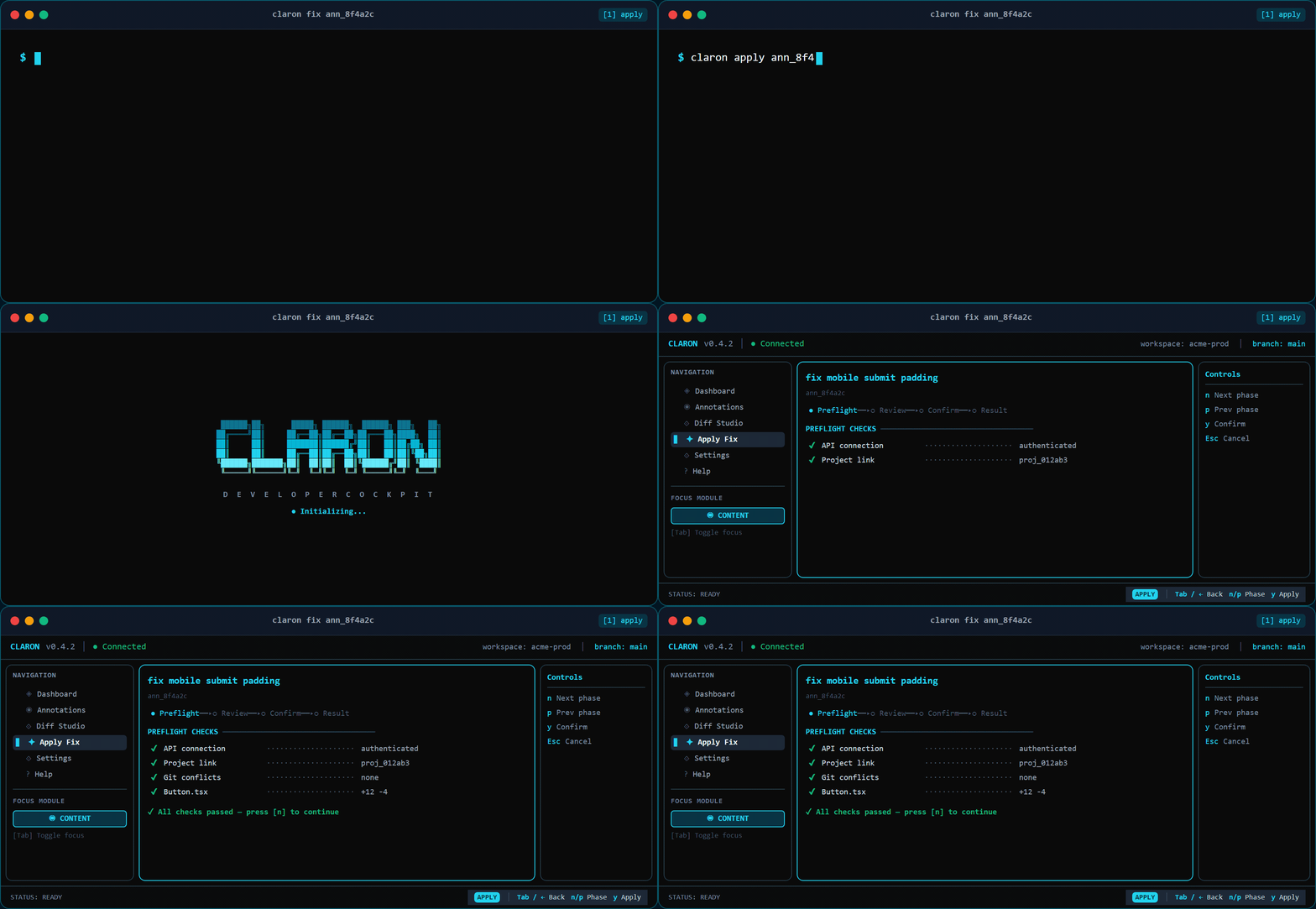
Run claron ui (or just claron) to open the full-screen terminal UI. The current Dev Cockpit brings navigation, project context, annotation triage, and developer actions together in a keyboard-first workspace.
TUI Shortcuts
APPLYING AI FIXES
From terminal
Review diffs and apply fixes directly via CLI subcommands.
From dashboard
Click Apply Fix on any annotation. Your OS routes the claron:// URL to the CLI automatically — no copy-pasting.
Patch conflicts
If the source file changed since the fix was generated, the .patch file is saved to .claron-conflicts/ for manual review.