
Website feedback, collected in the room
Same app, same build, same environment, with everyone's cursor in the room.
Start a review on a preview build or your live site, invite the people who need to see it, and guide them to the problem. Everyone's feedback lands as a report with its context attached.
Solo or together
Choose a successful preview build or an approved live-site environment, then start a solo review or a collaborative room. The person who starts a collaborative room is its host.
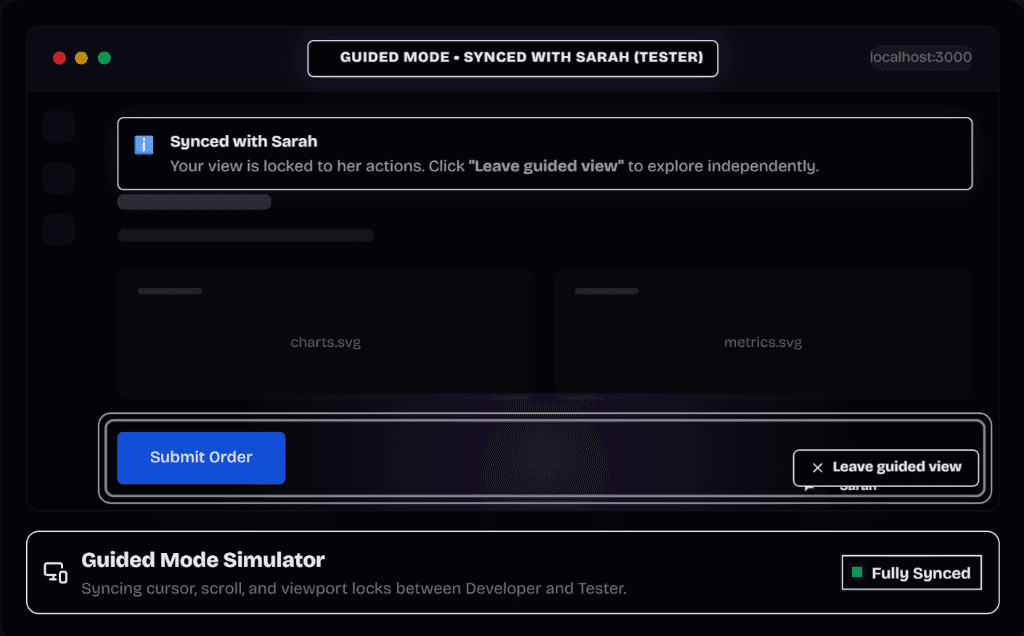
Guide them, live
Use Guide to have participants follow you, and Spotlight to point things out directly on their screen. Stop guiding to give control back; a participant can take over when permitted.
Clients join as guests
Guests join with the session's invitation and enter their name and email. No Claron account is needed. Invitations are valid for seven days by default, and revoked or expired links stop working.
Guests report and discuss public issues inside their review. Staff-only comments stay hidden from them.
Evidence while you talk
Capture starts with the review, so reports made in the room can carry replay, console and network evidence. End the session cleanly so recordings finish saving.
Can't meet live? Use review rounds
Review rounds let people review selected pages at different times and record a decision against a chosen version.
Questions about live website reviews
Straight answers, including the limits.
Set it up
More of Claron
- Visual bug reportingReport a bug by clicking the page. Claron attaches a screenshot, console logs, network requests, element and source context to the report.
- Session replayReplay the visit behind a Claron bug report with clicks, console and network in sync. Inspect the captured DOM, export the recording, share it safely.
- Backend debuggingFollow a reported request into your server: the functions it called, the branches it took, the error it threw. Encrypted, and unlocked only on your devices.
- Review rounds and sign-offCollect sign-off on a specific build: invite reviewers to selected pages, record each approval or change request, then verify fixes on the fixed version.
- AI fixes, CLI and MCPClaron reads a bug report's evidence, explains the cause and proposes a diff. Apply it with the CLI, open a pull request, or hand it to your agent via MCP.
Weighing up other tools?
See how Claron compares with Marker.io, BugHerd and Sentry across the whole workflow.